
VidWiz
What is Vidwiz?
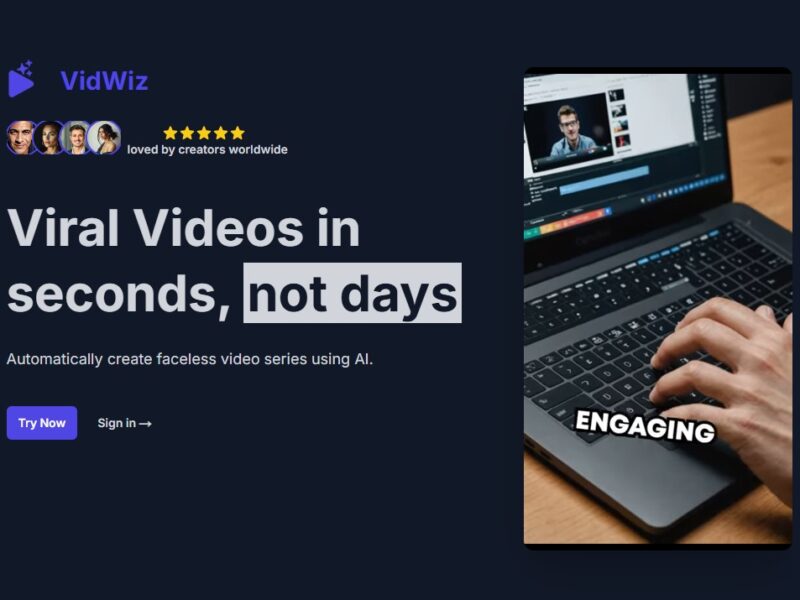
Vidwiz is a cutting-edge video creation platform designed to simplify the process of turning text-based content into professional-quality videos. Using advanced AI-powered tools, Vidwiz enables users to create engaging videos in just a few minutes. This platform is ideal for marketers, educators, and content creators looking to create videos quickly and efficiently, without requiring prior video production experience.
Features
-
AI-Powered Text-to-Video Conversion
Vidwiz leverages artificial intelligence to automatically convert written content into video format. The platform analyzes the text, identifies key points, and creates a visual representation that aligns with the narrative. -
Customizable Templates
Vidwiz provides a wide range of professionally designed video templates. Users can customize these templates by adding their own branding, text, and images to ensure the video aligns with their style and message. -
Voiceover Integration
With Vidwiz, users can add voiceovers to their videos. The AI also offers text-to-speech capabilities, allowing you to generate voiceovers directly from your script. -
Wide Range of Video Styles
The platform supports various video formats such as promotional videos, social media clips, educational videos, and explainer videos. This flexibility makes Vidwiz suitable for a variety of use cases. -
Export and Share Easily
Once the video is ready, Vidwiz allows users to export the video in different formats. The videos can be easily shared across social media platforms, websites, and email marketing campaigns.
Pros & Cons
Pros:
-
Time-Saving: Vidwiz speeds up the video creation process, making it ideal for businesses or individuals on a tight schedule.
-
No Technical Skills Required: The user-friendly interface means that even beginners can produce high-quality videos without prior knowledge of video editing software.
-
Affordable Pricing: Compared to hiring a professional video production team or purchasing expensive software, Vidwiz offers a cost-effective solution for video creation.
-
Customizable: The wide range of templates and voiceover options provide a high degree of customization for users, allowing videos to match their unique brand style.
-
Cloud-Based: Being cloud-based means you can access Vidwiz from any device, anytime, ensuring flexibility and convenience.
Cons:
-
Limited Advanced Editing Features: While Vidwiz is great for creating quick videos, it may not offer the advanced editing tools that professional video editors need for more complex projects.
-
Internet Dependence: As a cloud-based platform, users must have a stable internet connection to access Vidwiz and create videos.
-
Template Limitation: While Vidwiz provides a wide variety of templates, some users may find the options to be somewhat limiting for highly specialized projects.
-
Text-to-Speech Quality: Although Vidwiz offers text-to-speech capabilities, the voiceovers may not always sound as natural as those created by professional voice artists.
Use Cases of Vidwiz:
-
Social Media Content Creation
With its easy-to-use templates and quick video production, Vidwiz is perfect for marketers and influencers who need to create engaging content for platforms like Instagram, TikTok, and YouTube. -
Educational Videos
Educators and online course creators can use Vidwiz to create visually appealing educational videos that help explain complex topics in an easy-to-understand manner. -
Product Demos and Tutorials
Businesses can use Vidwiz to produce product demonstration videos and how-to guides, which help customers understand how to use products effectively. -
Brand Promotion
Vidwiz is a great tool for small businesses and startups looking to create professional promotional videos without spending a fortune on video production. -
Internal Business Communications
Companies can use Vidwiz to create internal training videos, announcements, or team updates, improving communication within the organization.
Vidwiz Compared to Other Tools
Vidwiz vs. Animoto:
-
Ease of Use: Vidwiz is more focused on quick, text-to-video conversions, making it easier for beginners. Animoto, while also easy to use, provides more customization options for video styles.
-
Voiceover Capabilities: Vidwiz offers integrated text-to-speech and voiceover features, whereas Animoto typically requires users to upload their own voiceovers.
-
Pricing: Vidwiz offers a more affordable pricing structure, especially for those looking to create videos in bulk or on a regular basis.
Vidwiz vs. Lumen5:
-
AI Capabilities: Both platforms use AI to convert text to video, but Vidwiz focuses on making the process even more intuitive with customizable templates. Lumen5, on the other hand, offers more advanced editing options, but at the cost of a steeper learning curve.
-
Target Audience: Vidwiz is ideal for content creators and small businesses, while Lumen5 tends to cater to larger enterprises looking for more robust video marketing tools.
Vidwiz vs. InVideo:
-
Templates and Styles: InVideo offers a larger library of templates compared to Vidwiz, but Vidwiz excels in its AI-powered text-to-video features.
-
Learning Curve: Vidwiz is generally easier to learn, especially for users with little video editing experience, while InVideo may require more time to master due to its range of advanced features.
Vidwiz is an excellent choice for anyone looking to quickly and easily create professional-quality videos. Whether you are a marketer, educator, or business owner, Vidwiz offers a convenient, affordable, and user-friendly solution for producing engaging video content. With its customizable templates, AI-powered features, and voiceover options, Vidwiz stands out as an accessible video creation tool. However, it may not be the best fit for users seeking advanced video editing capabilities or highly specialized video projects.
Overall, Vidwiz is a fantastic option for creating videos in a hurry, without needing any technical expertise. It’s ideal for businesses, content creators, and educators who want to leverage the power of video without the hassle.
FAQs
-
What kind of videos can I create with Vidwiz?
Vidwiz supports a variety of video types, including promotional videos, educational content, product demos, social media clips, and explainer videos. -
Is Vidwiz free to use?
Vidwiz offers a free trial with limited features. To access full functionality, users will need to subscribe to one of the paid plans. -
Can I upload my own footage or images to Vidwiz?
Yes, Vidwiz allows users to upload their own images, logos, and video clips to customize the templates further. -
Does Vidwiz offer a mobile app?
Currently, Vidwiz is a web-based platform and does not have a dedicated mobile app. However, you can access it through any browser on your mobile device. -
How does Vidwiz compare to traditional video editing software?
Unlike traditional video editing software that requires technical skills, Vidwiz is much more accessible for beginners. It focuses on quick and easy video creation, while traditional software offers more advanced features for professional editing.