
ChatBot
What is ChatBot?
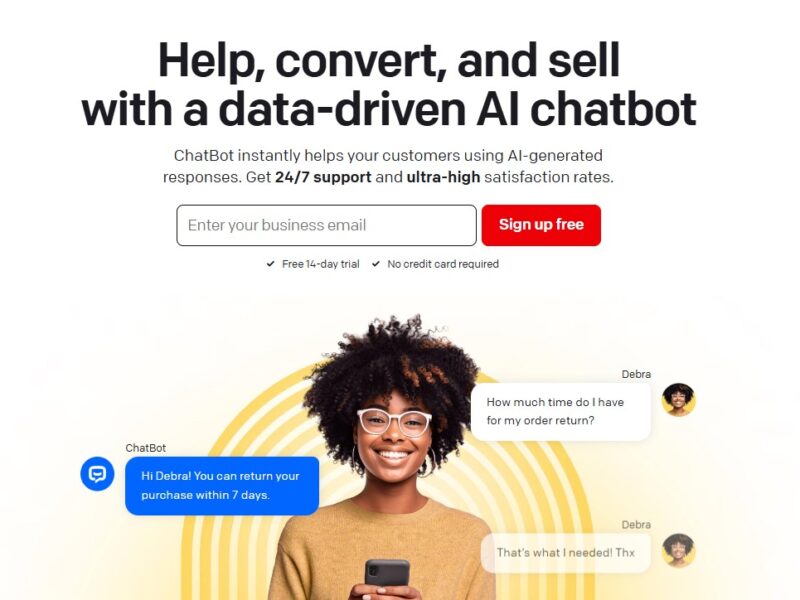
ChatBot is a comprehensive, no-code platform that empowers individuals and businesses to create and deploy intelligent chatbots with ease. It is designed to automate conversations, streamline customer service, generate leads, and enhance the overall user experience on websites and messaging platforms. By providing an intuitive visual builder, ChatBot allows anyone, regardless of their technical expertise, to build sophisticated conversational agents that can understand user intent and respond accordingly.
Features
ChatBot offers a robust set of features to build, manage, and optimize your conversational agents:
- Visual Bot Builder: The core of the platform is a drag-and-drop interface that makes it easy to design and visualize complex conversational flows without writing a single line of code.
- Natural Language Processing (NLP): Powered by advanced NLP, the chatbots can understand and interpret user queries, allowing for natural and fluid conversations.
- Extensive Integrations: Seamlessly connect your chatbot with a wide range of popular services, including Facebook Messenger, Slack, WordPress, and leading CRM systems like Salesforce.
- Pre-built Templates: Get a head start on your project with a library of customizable templates for various use cases, such as lead generation, customer support, and e-commerce.
- Real-time Analytics: Gain valuable insights into your bot’s performance with a dedicated analytics dashboard that tracks conversations, user paths, and goal conversions.
- One-Click Deployment: Easily deploy your finished chatbot to your website or messaging platform with a simple click, making it live for your audience in minutes.
Ready to automate your customer communication and streamline your business? Start building your first chatbot for free!
Pros & Cons
Pros:
- No Coding Required: The no-code approach makes it accessible to a wide audience, including marketers, support teams, and business owners.
- User-Friendly Interface: The visual builder is intuitive and easy to learn, allowing for rapid development and iteration.
- Versatile Integrations: The extensive list of integrations makes it a powerful tool for connecting with your existing business systems.
- Time and Cost Savings: Automating customer service and lead generation with a chatbot can significantly reduce operational costs and improve efficiency.
Cons:
- Limited Free Version: The free trial is limited, and for any serious use, a paid subscription is necessary.
- Performance on Basic Plans: Some advanced NLP features and high-volume traffic may require a higher-priced plan for optimal performance.
- Learning Curve for Advanced Flows: While the basics are simple, building very complex or multi-layered conversational flows can require some time and practice.
- Dependency on the Platform: Your chatbot is tied to the platform, meaning you are dependent on its uptime and reliability.
How to Use ChatBot?
Using ChatBot is a simple, three-step process:
- Sign Up: Go to the ChatBot website and create an account.
- Build Your Bot: Use the visual builder to create a new chatbot. You can start with a pre-built template or build a conversational flow from scratch by dragging and dropping conversation blocks.
- Test and Deploy: Use the built-in testing tool to preview your bot’s performance. Once you are satisfied, deploy your chatbot on your website or preferred messaging platform with a simple embed code.
ChatBot is an indispensable tool for the modern digital business. It simplifies the complex process of creating intelligent conversational agents, making it possible for companies of all sizes to automate and enhance their customer interactions. By providing a powerful and easy-to-use platform, it transforms a traditionally technical task into a streamlined, automated process that delivers real business value.
FAQs
1. Is ChatBot a free service? ChatBot offers a free trial that allows you to test its features. For long-term use and to unlock all of its capabilities, a paid subscription is required.
2. What is the difference between a chatbot and a live chat? A chatbot is an automated program that responds to users, while a live chat is a real-time, human-to-human conversation. ChatBot can be used to handle initial queries before handing off to a live agent.
3. Does ChatBot require coding skills? No, ChatBot is a no-code platform. Its visual, drag-and-drop builder allows you to create and manage chatbots without any technical or coding knowledge.
4. Can I use ChatBot on social media? Yes, ChatBot integrates with popular social media platforms like Facebook Messenger, allowing you to deploy your conversational agent directly to your business page.
5. Can ChatBot connect to my existing software? Yes, ChatBot has a wide range of integrations that allow it to connect with various platforms, including CRM systems, marketing automation tools, and help desk software.